Like & Dislike is a useful feature that helps a website understand how readers respond to an article. JNews Blocks provides a built-in Like Dislike Button feature that helps you collect quick feedback directly from article pages. We designed this feature based on common interaction patterns used in modern content platforms, then implemented it in a lightweight block for Gutenberg.
By enabling this feature, you can add a like/dislike button to your Single Post layout, make your article pages feel more interactive. By enabling this feature, you will also be able to filter content type post in the JNews Blocks block based on posts the user has liked or disliked.
There’re a few things that we’ll explain to you on this section :
- Installation & Requirements
- General Settings
- Showing Like Dislike Button
- Showing Like Dislike Button on Post Meta
- Showing Like Dislike Post
1. Installation & Requirements
To enable and use the Like & Dislike feature, you need to have a JNews Blocks Pro license. After that, you need to activate the following plugins:
- Gutenverse
- Gutenverse Pro
- JNews Blocks
- JNews Blocks Pro
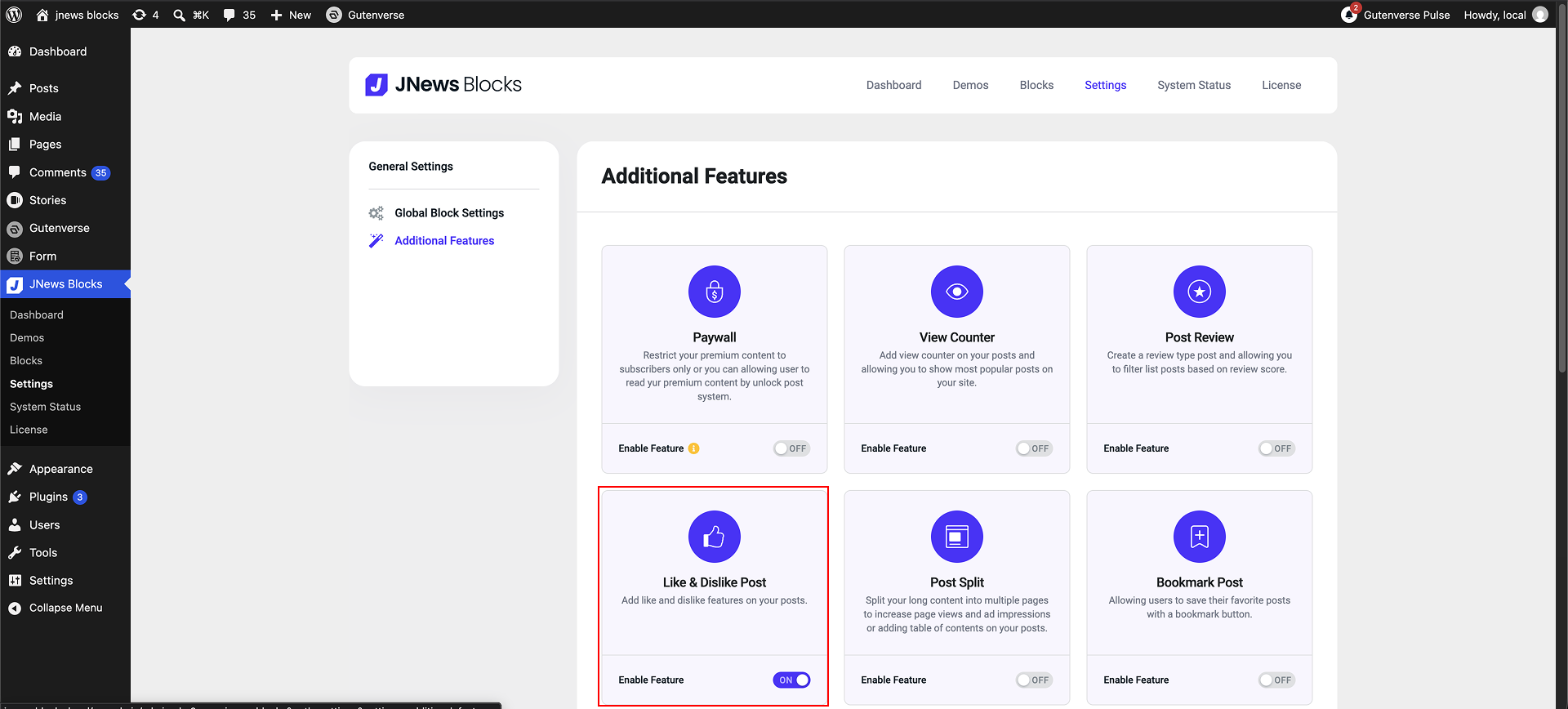
After that, you can go to the JNews Blocks -> Settings -> Additional Features menu and enable the Like & Dislike Post feature.
2. General Settings
After successfully enabling the Like & Dislike feature on your website, a Like & Dislike sub-menu will appear under JNews Blocks > Settings > General Settings, allowing you to configure the Like & Dislike feature. Below is an explanation of the available option:
- Allow Guest

Enable this to allow non-logged-in users to like or dislike your posts. The data is stored in browser cookies.
- Guest Like Cookie Time

This option appears only if Allow Guest is active to set how long the guest data is stored (30, 60, or 90 days). If the guest logs in within this period, their data will be automatically transferred to their account.
3. Showing Like Dislike Button
Once enabled the feature, the Like Dislike Button block will be available in the Gutenberg editor. You can add this block to the Single Posts template based on your layout needs.
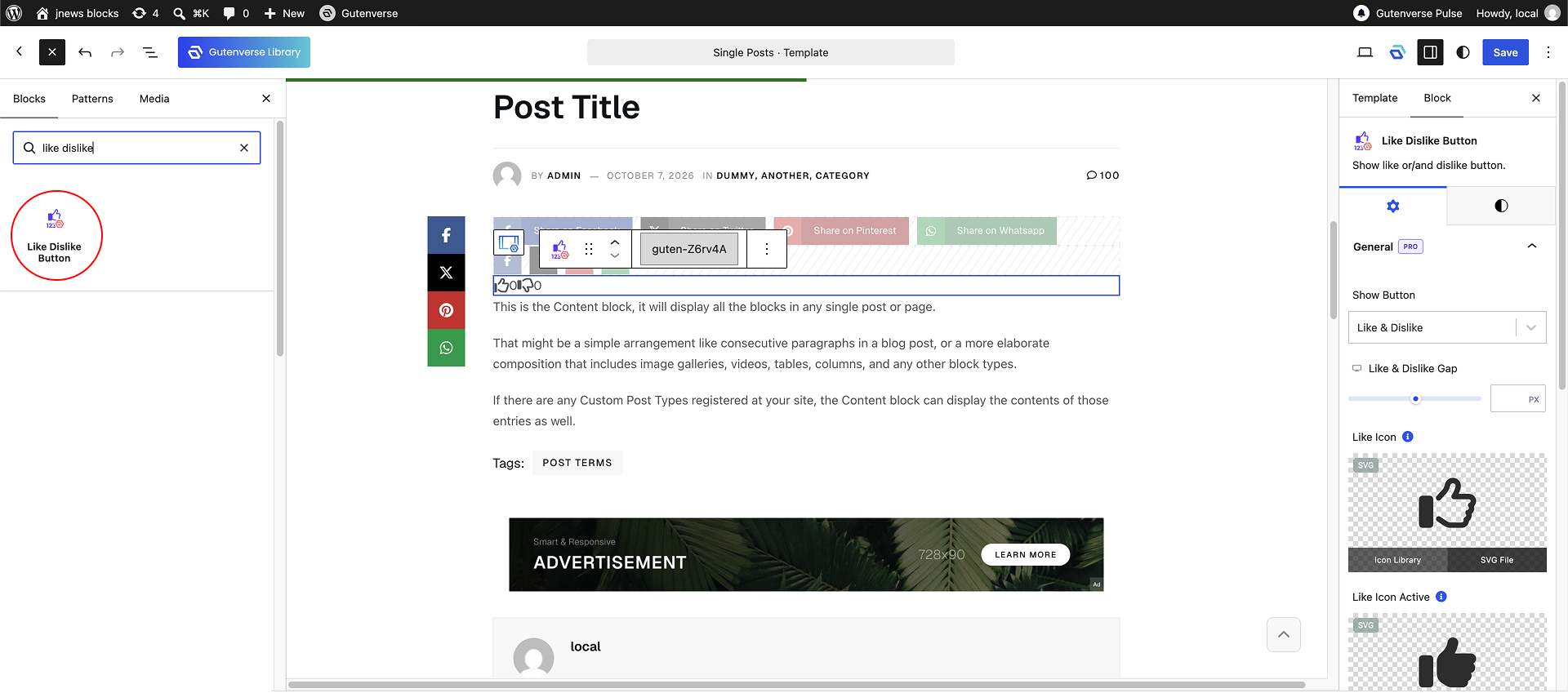
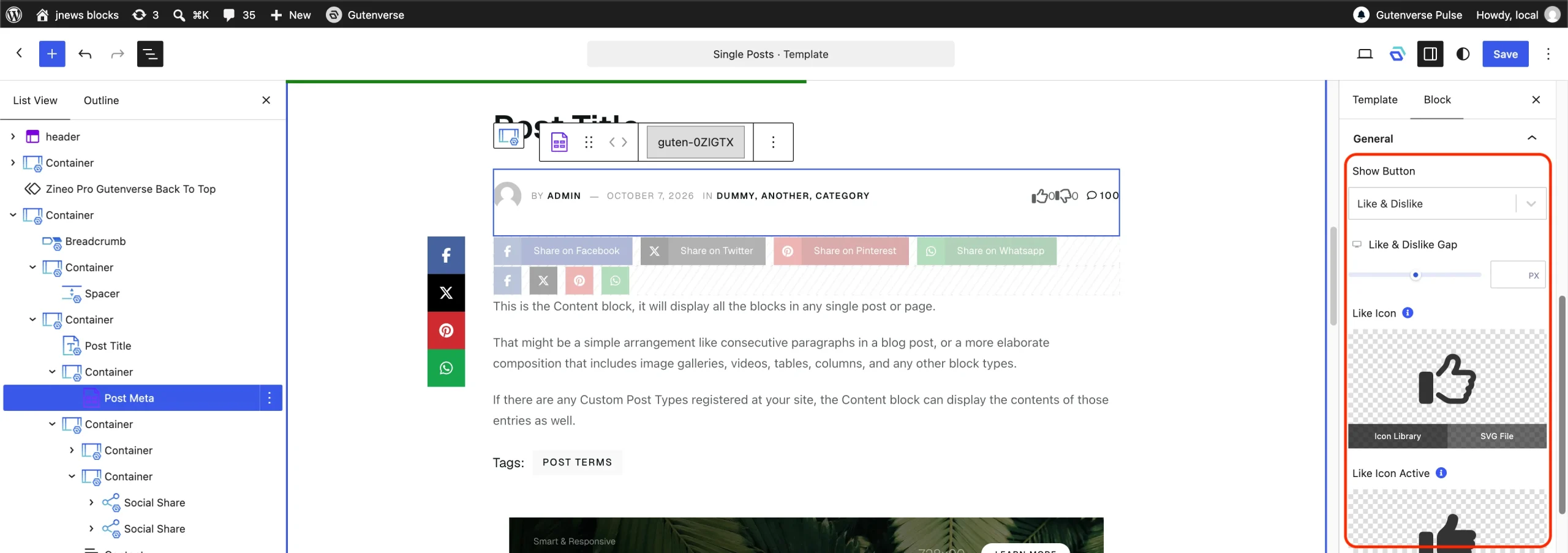
You can also choose what buttons you want to display both Like and Dislike buttons or a simplified “Only Like” button, adjust the responsive gap between them, and customize the SVG icons for each state button.
4. Showing Like Dislike on Post Meta
The Like Dislike Button feature is designed to work seamlessly with other JNews Blocks elements. By enabling this feature, it automatically unlocks a new Like Dislike element within the Post Meta options. You can add like dislike element to the left or right Post Meta element.
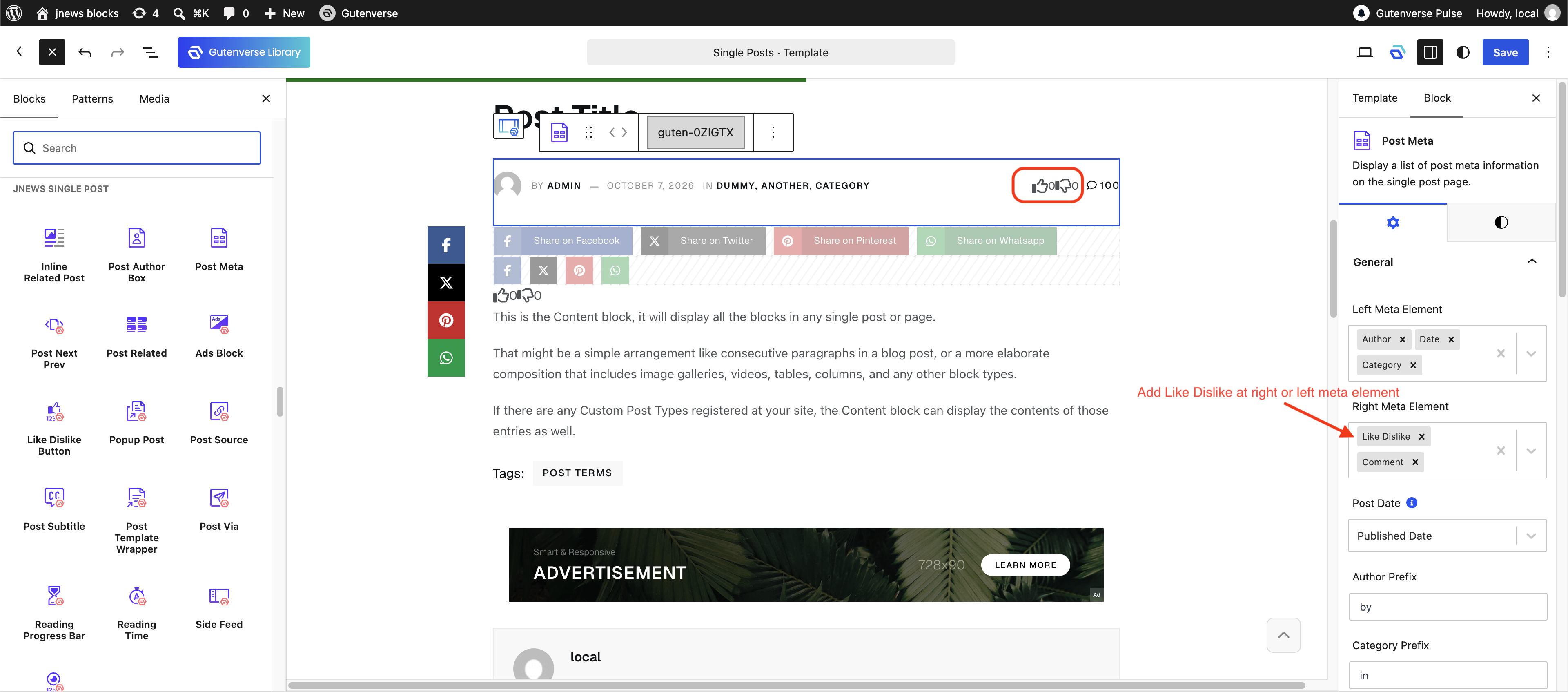
After adding Like Dislike element to Post Meta, the settings for like dislike will appears at the bottom of the general panel. The settings exactly the same as the settings on the Like Dislike Button.
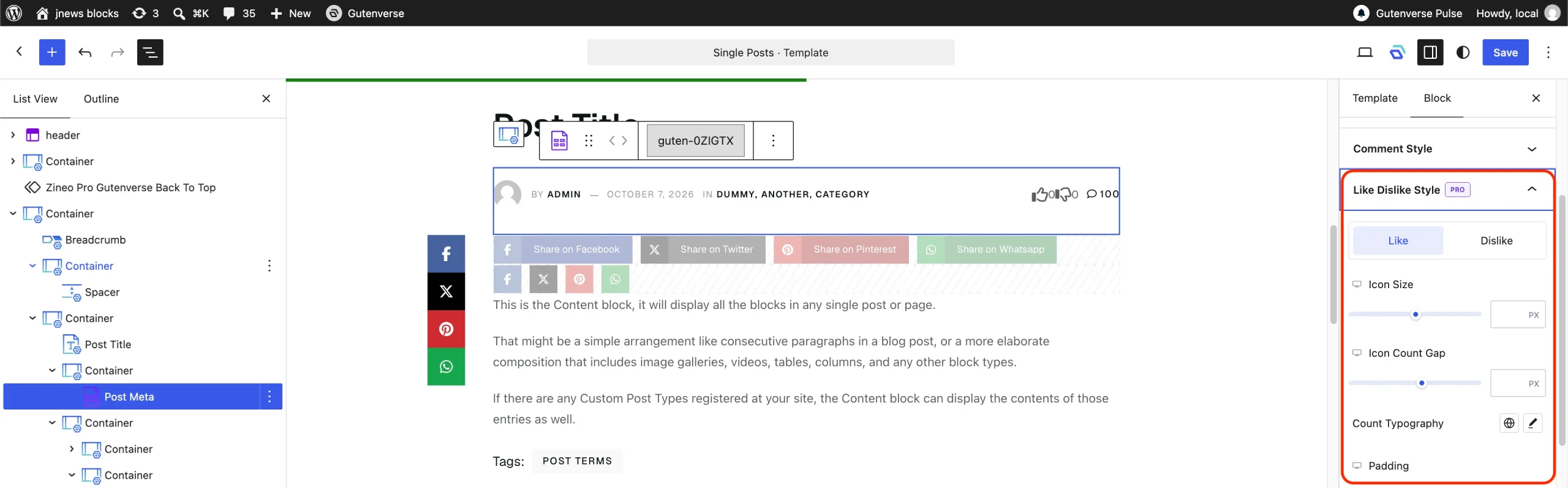
After adding Like Dislike element to Post Meta, it will also unlock the style settings for like dislike in post meta.
5. Showing Liked Post
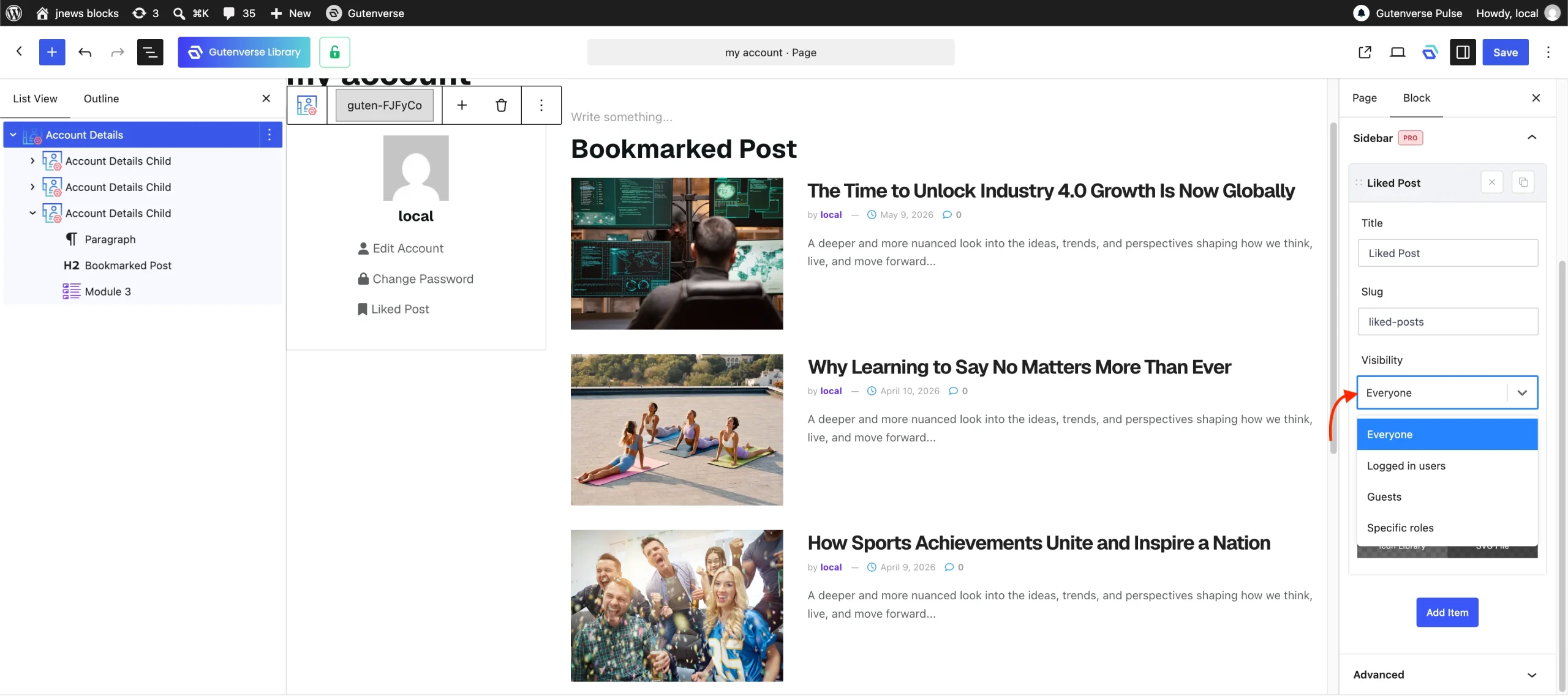
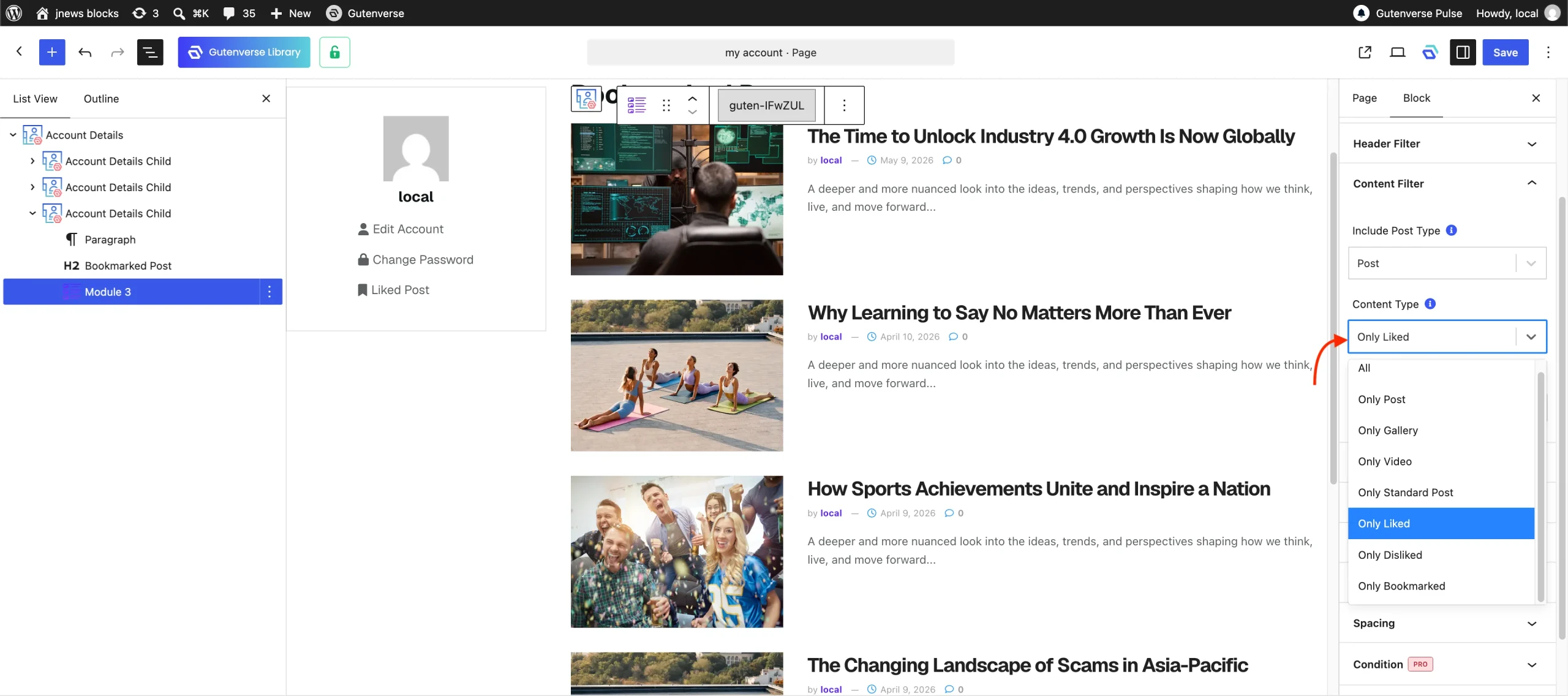
To allow each author to view their liked or disliked posts, you can add any module block and filter the content to Only Liked or Only Dislike to your Account Page. If you are not familiar with the Account Page feature, you can refer to the related documentation.
If you allowing guest to like or dislike the posts, to ensure that the Liked Post menu is accessible to logged-in users and guest, you can set the Visibility option to Everyone.