
Installing JNews Block Theme is quite easy. Basically, installing this theme is almost the same as installing other themes. This part will guide you on how to install JNews Block Theme for a few minutes only.
There’re a few things that we’ll explain to you on this section :
Downloading the JNews Twenty Theme
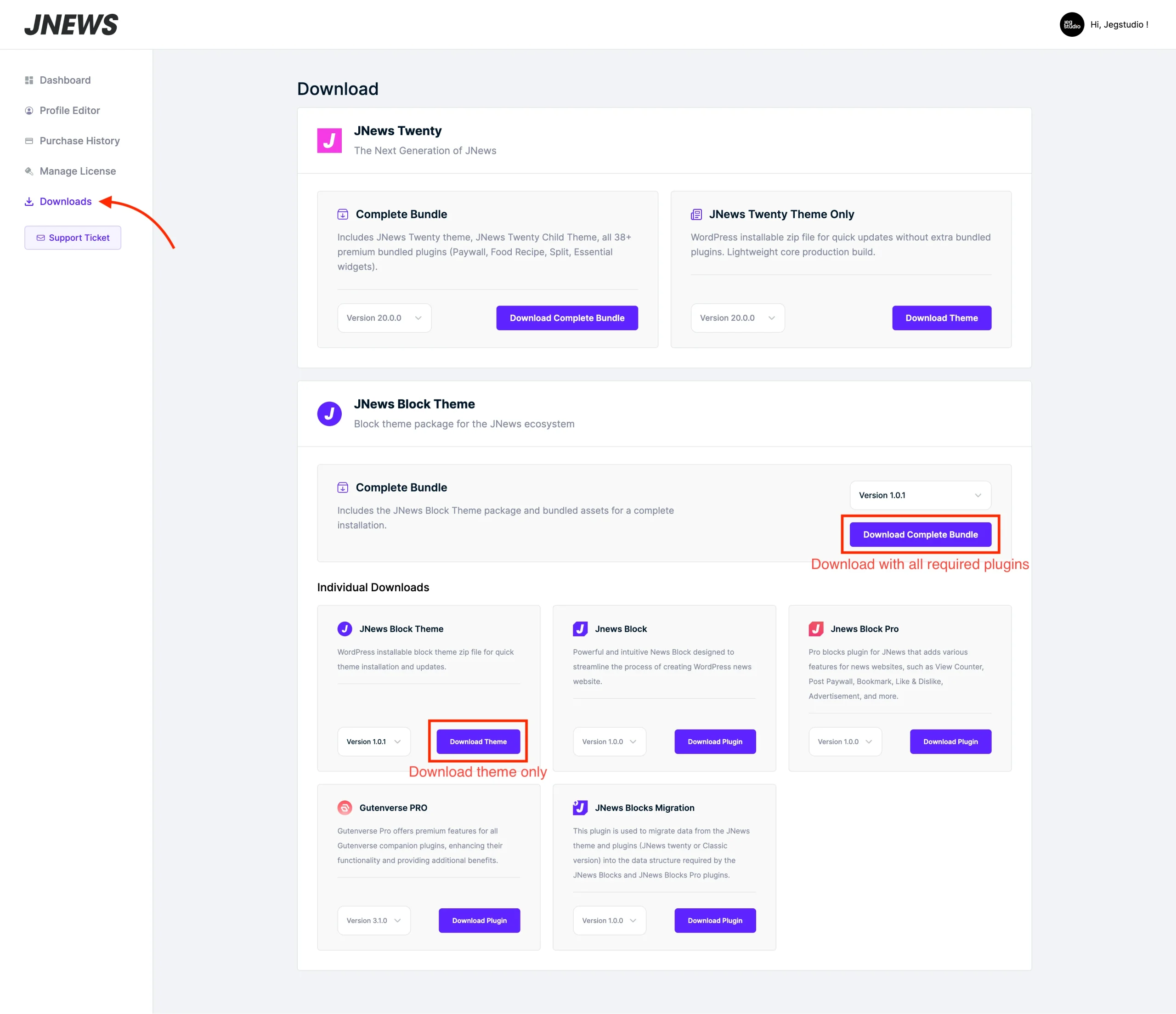
To download the JNews Blocks theme files, please go to this URL, open the Downloads menu, and select the file you want to download. All files related to JNews Block Theme can be found under the JNews Block Theme section. You can download the bundle containing all the required plugins and the JNews Blocks Theme, or download each plugin individually such as Gutenverse Pro, JNews Blocks, and JNews Blocks Pro.
Installation via WordPress
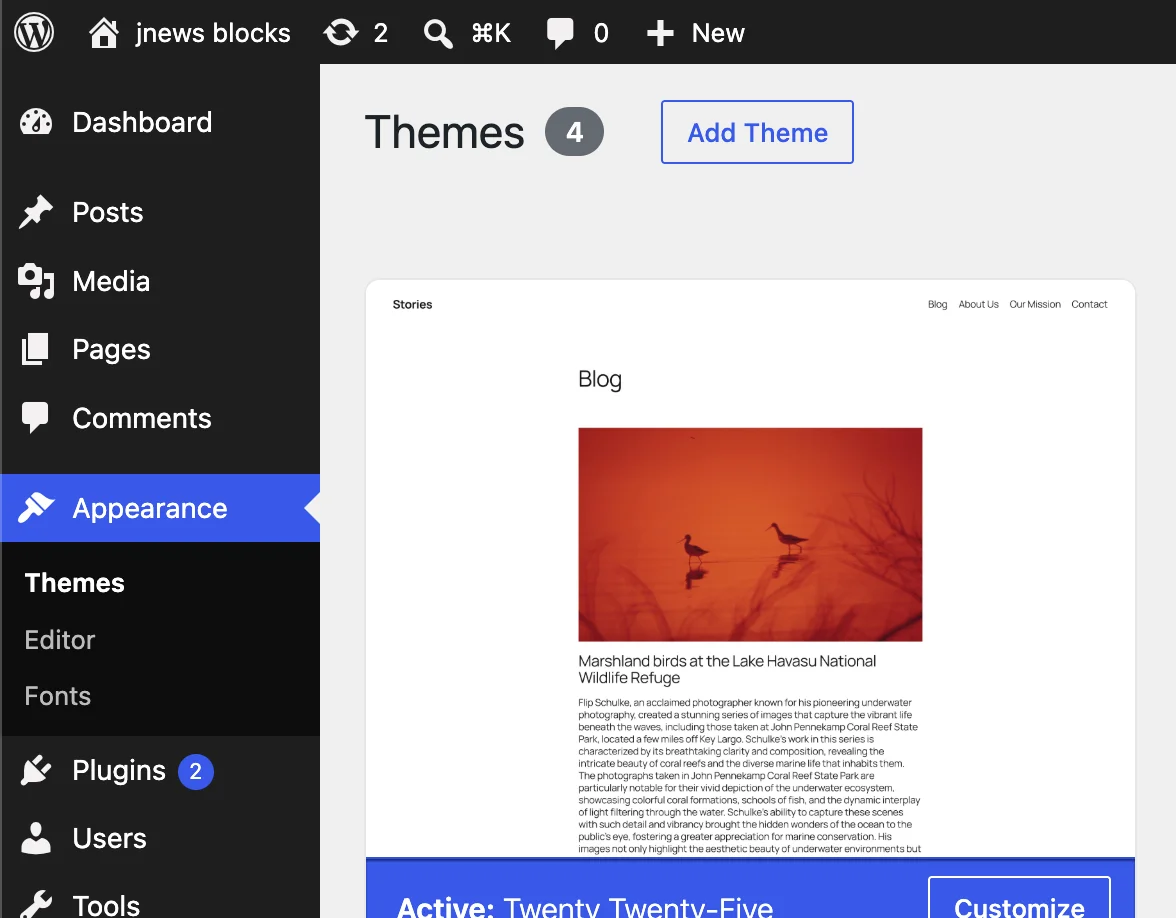
- Go to Dashboard → Appearance → Themes on your WordPress Admin Dashboard. Then click Add Theme button
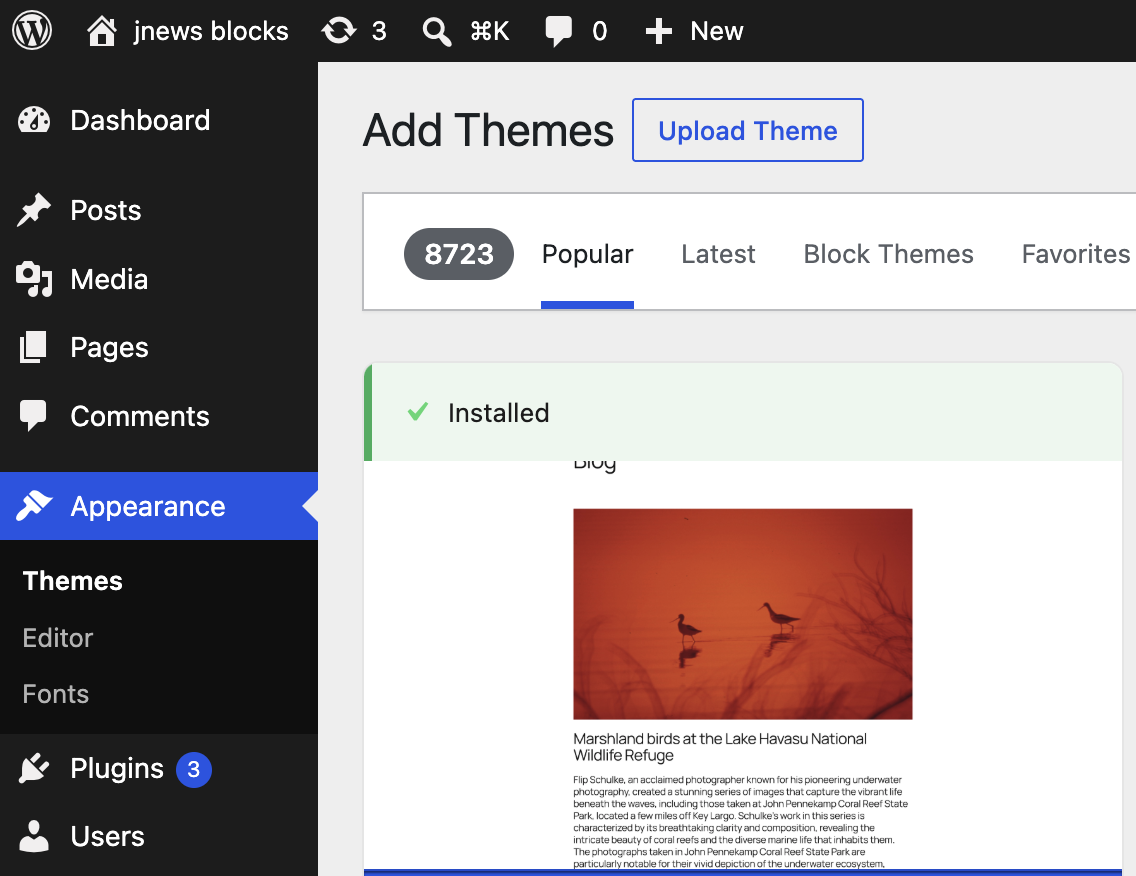
- Click the Upload Theme button at the top of the page.
- After that upload file jnews-block-theme.zip and click Install Now button.
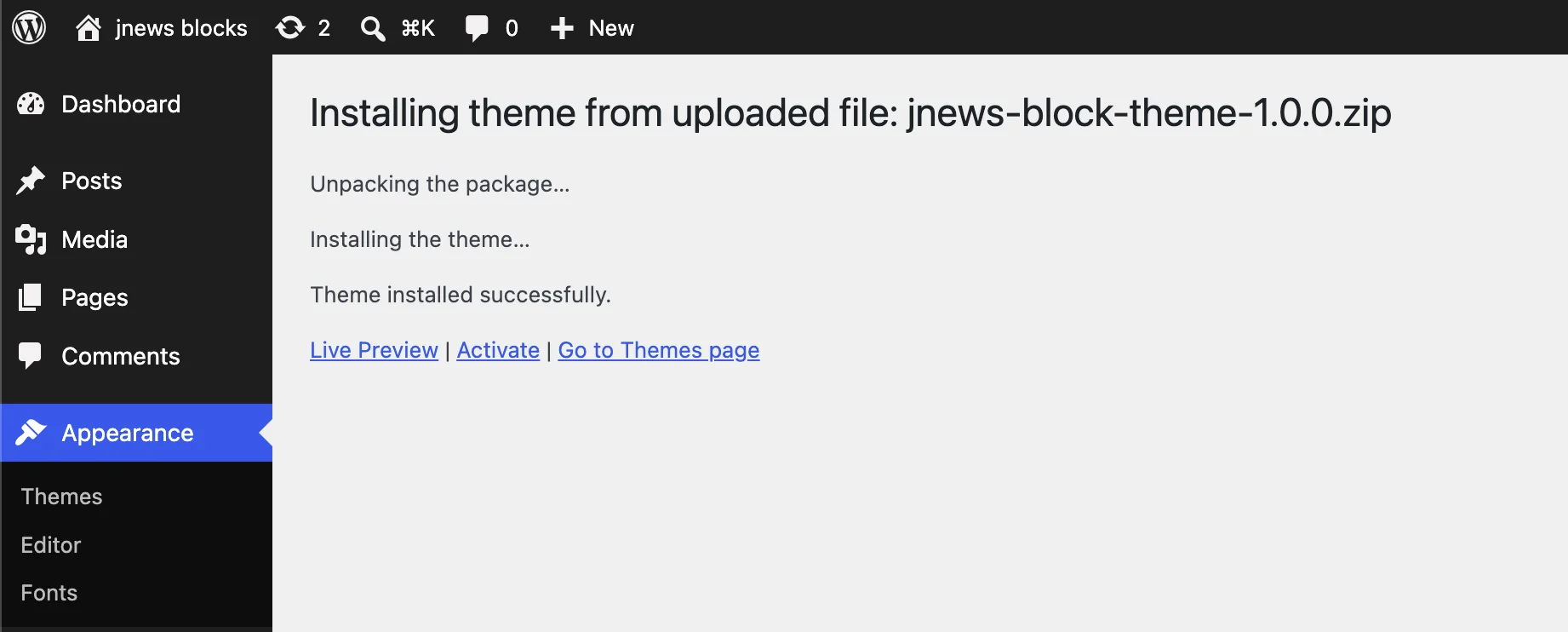
- If the upload process has finished, click the Activate button.
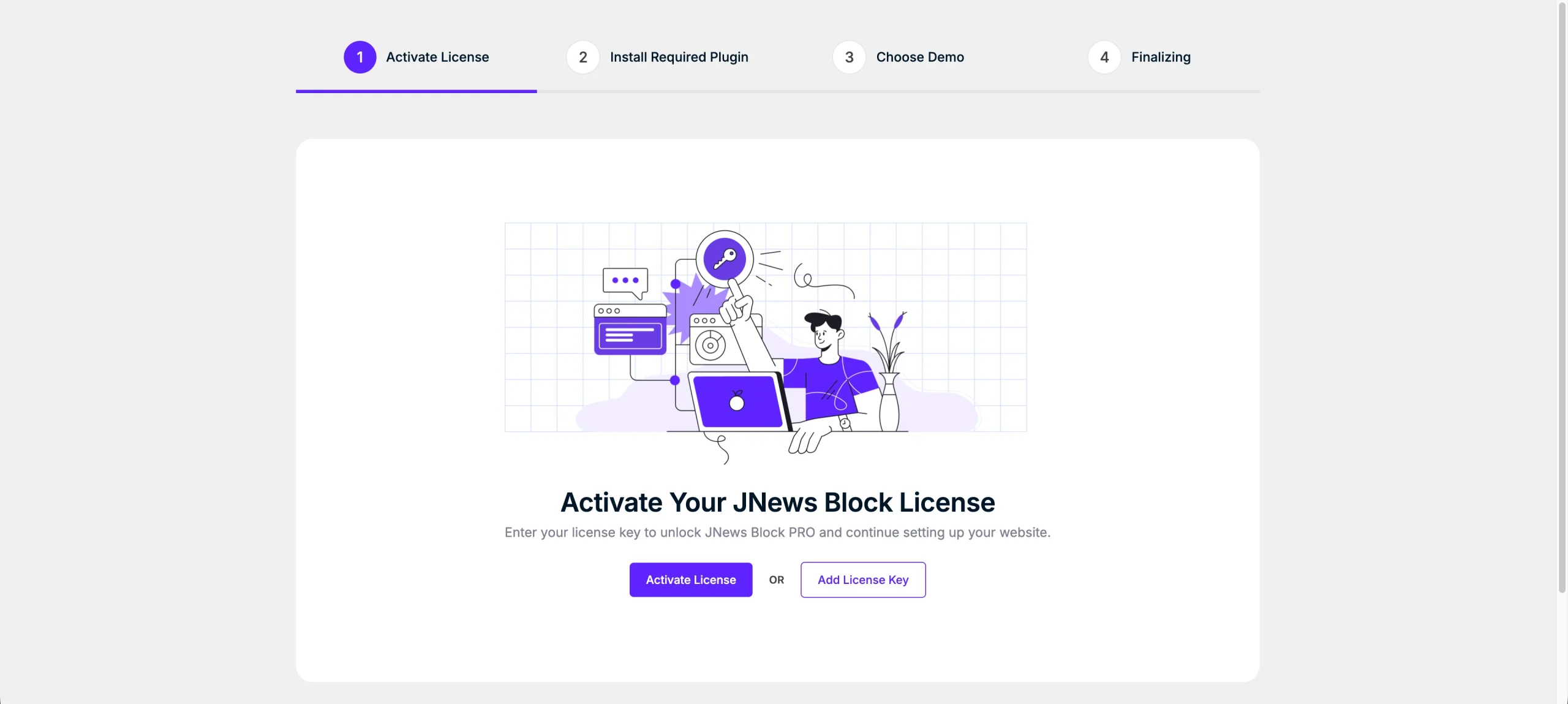
- Right after installing the JNews theme, you will be automatically redirected to the Setup Wizard, where you can follow the step-by-step instructions to configure your website. During the setup process, you can activate your license, install all required plugins, and import a demo and content to get started quickly.
Install via FTP
- Login into your FTP client.
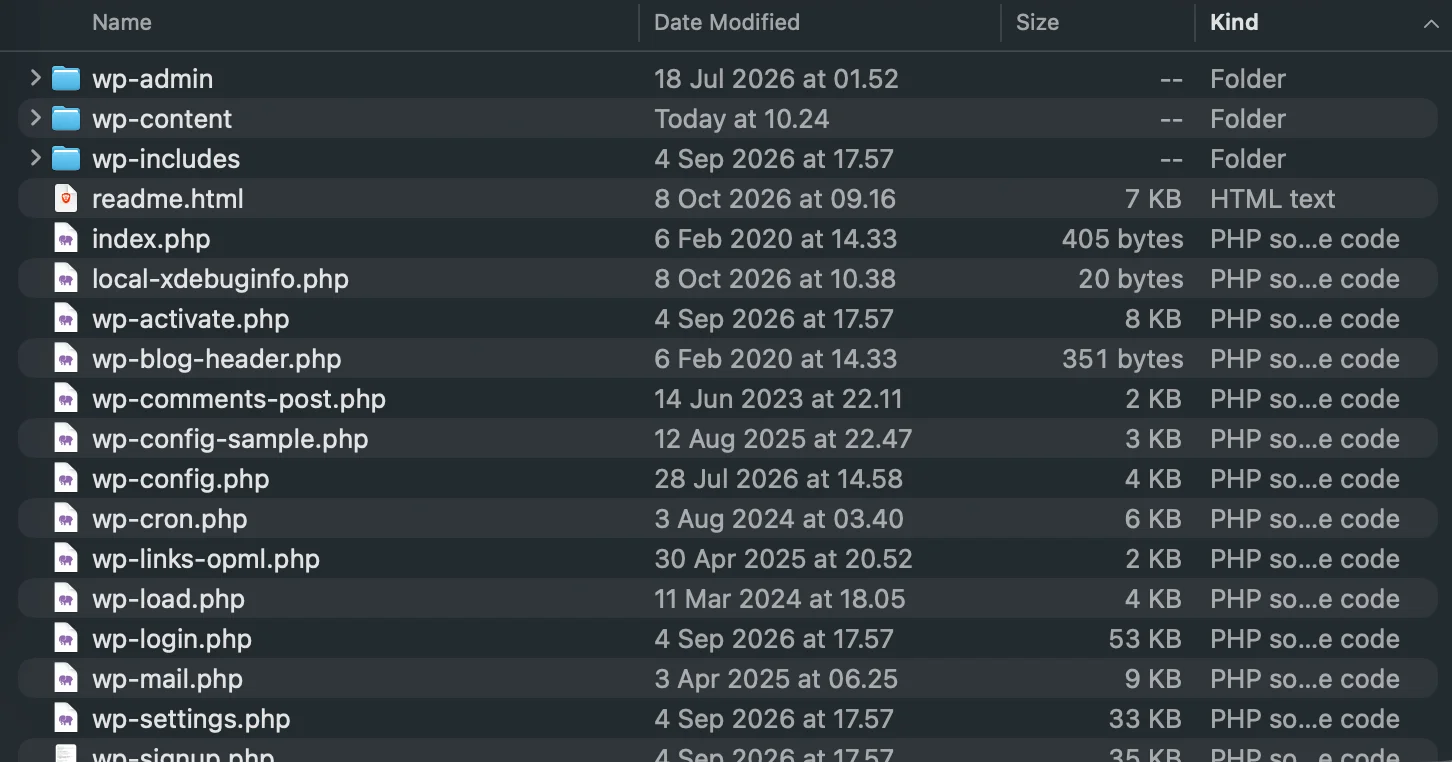
- Then access wp-content/themes/ directory on your host web server.
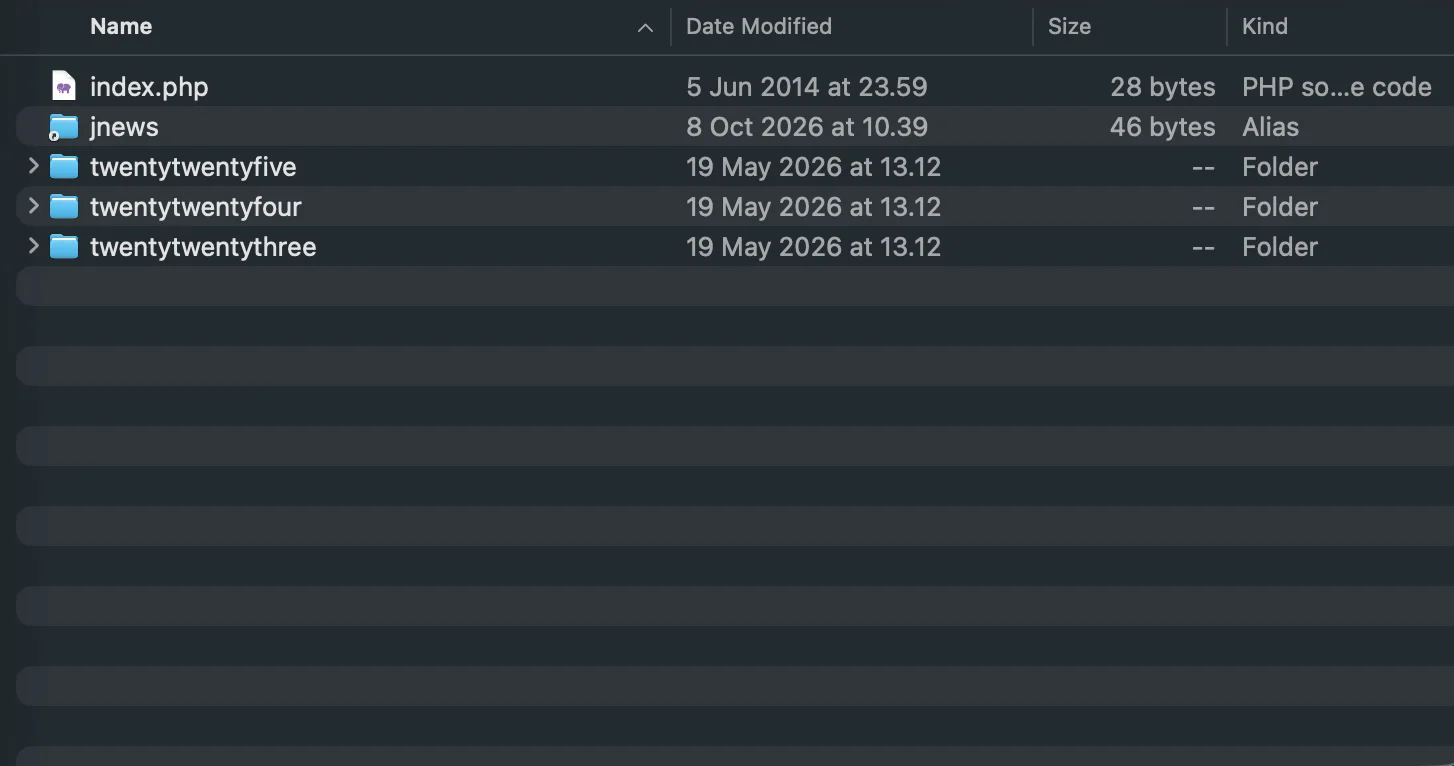
- After that browse to find the jnews-block-theme.zip file (look at the image above) and unzip the file.
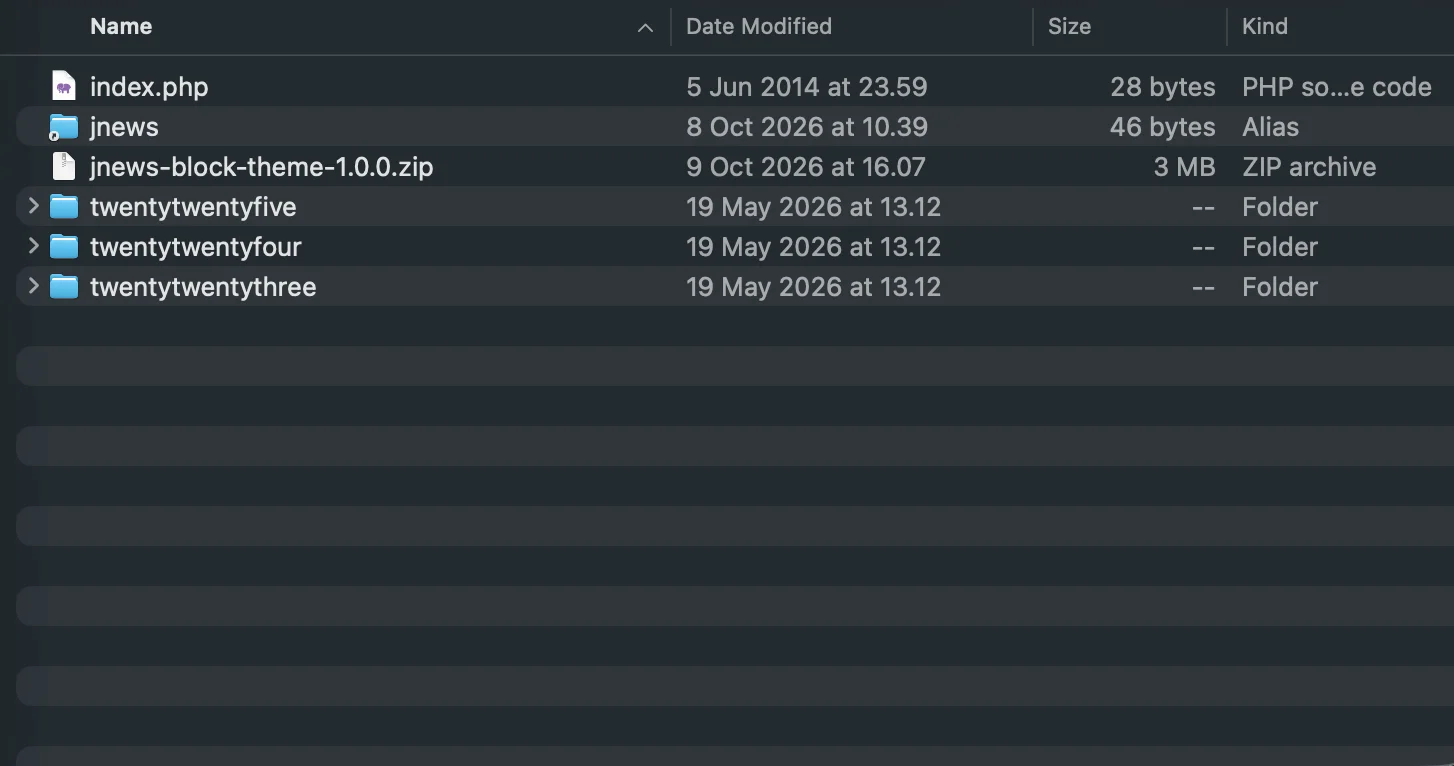
- Put the jnews-block-theme folder into wp-content/themes/ directory.
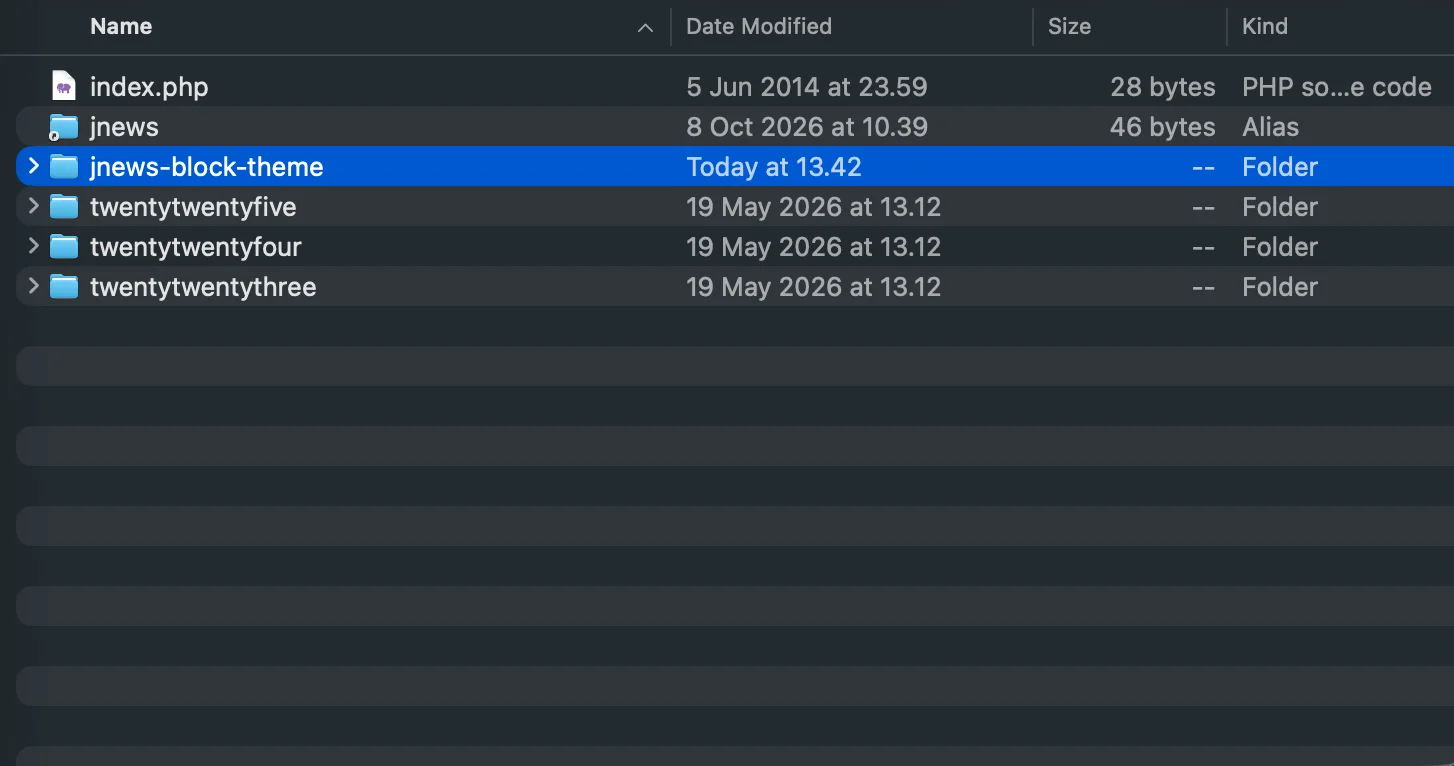
- After uploading process finishes, go to your Dashboard → Appearance → Themes and hit the Activate button.
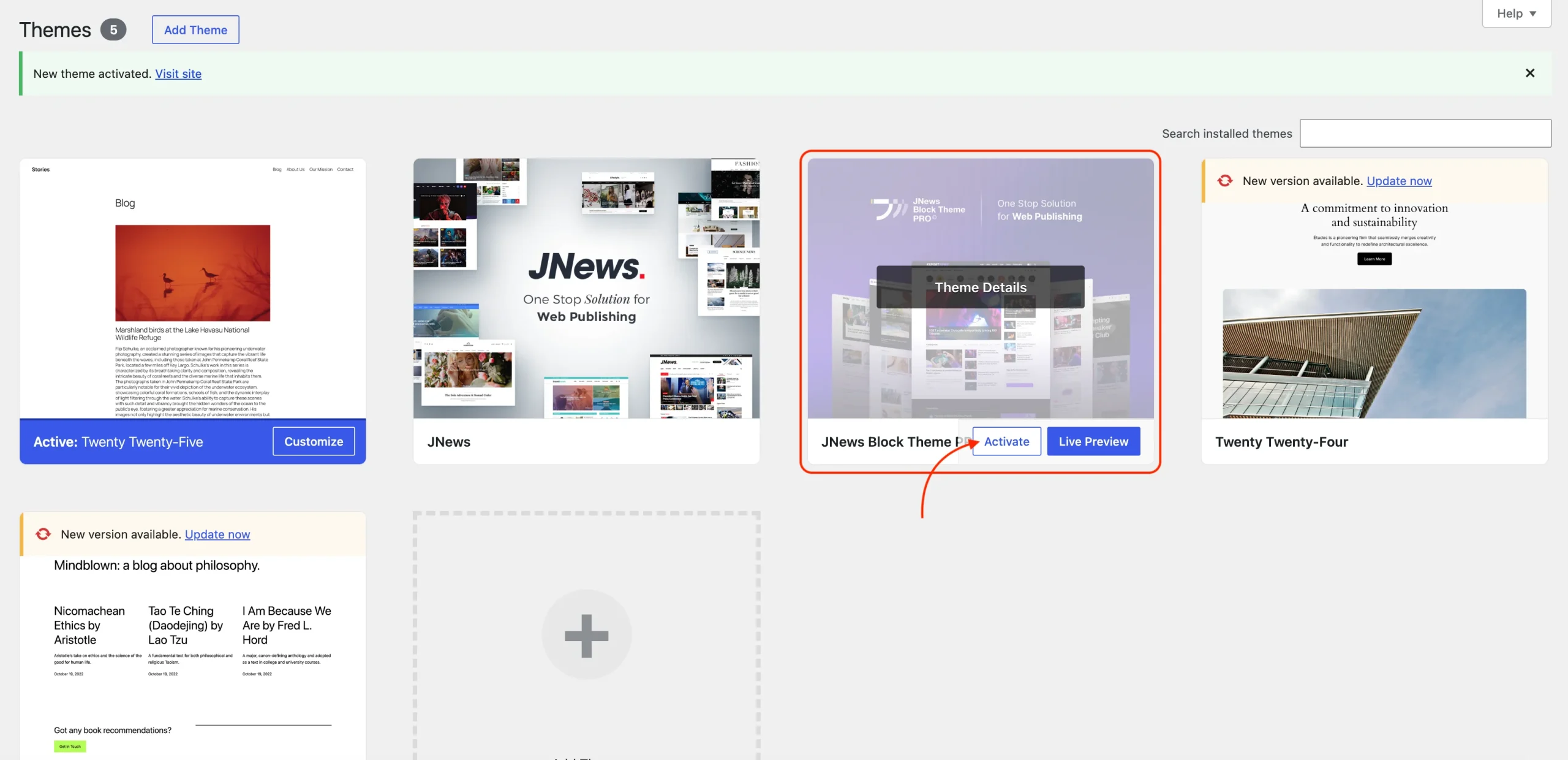
Right after finishing the JNews Block Theme activation, please activate your theme license through the Setup Wizard. If you have exited the wizard, you can also activate your license from the WordPress dashboard under JNews Blocks > License, provided that the JNews Blocks and JNews Blocks Pro plugins are already installed and activated. Activating your license allows you to receive all benefits from JNews Blocks Pro, such as theme updates, import demo & content, and unlock all other features.
Please follow this link for more detailed information.
We highly recommend to check your System Status in order to make JNews Block Theme would work as expected. You can find more complete information about system requirements for JNews Block Theme by following this link.